Export iPhone Messages to PDF on Windows

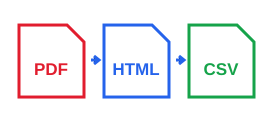
Turn your local iPhone backup into readable PDF, HTML, or CSV conversations. Your messages stay on your computer.

Private & Local Processing · No iCloud Login Required · No Subscription · Windows 10/11

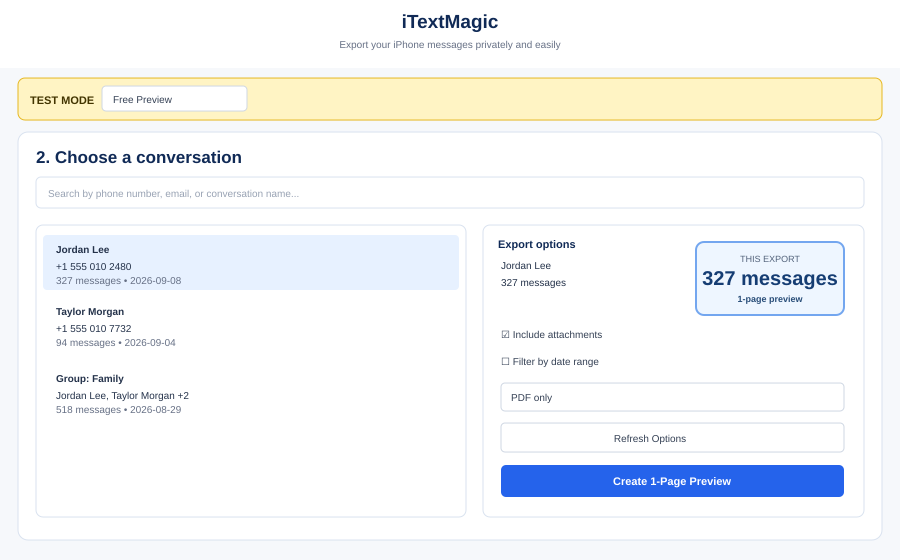
Your Data, Your Control

Secure Local Processing

iTextMagic guarantees your messages stay on your PC. No server uploads, no cloud logins, just direct, offline processing.

Create an iPhone backup

Use iTunes or Finder to create a local backup of your iPhone on your Windows PC.

Select a conversation

Browse your backups and pick any message thread you need to export.

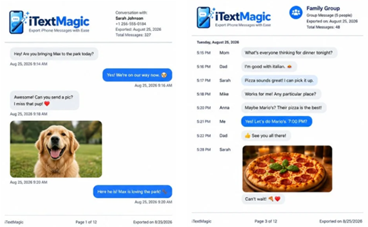
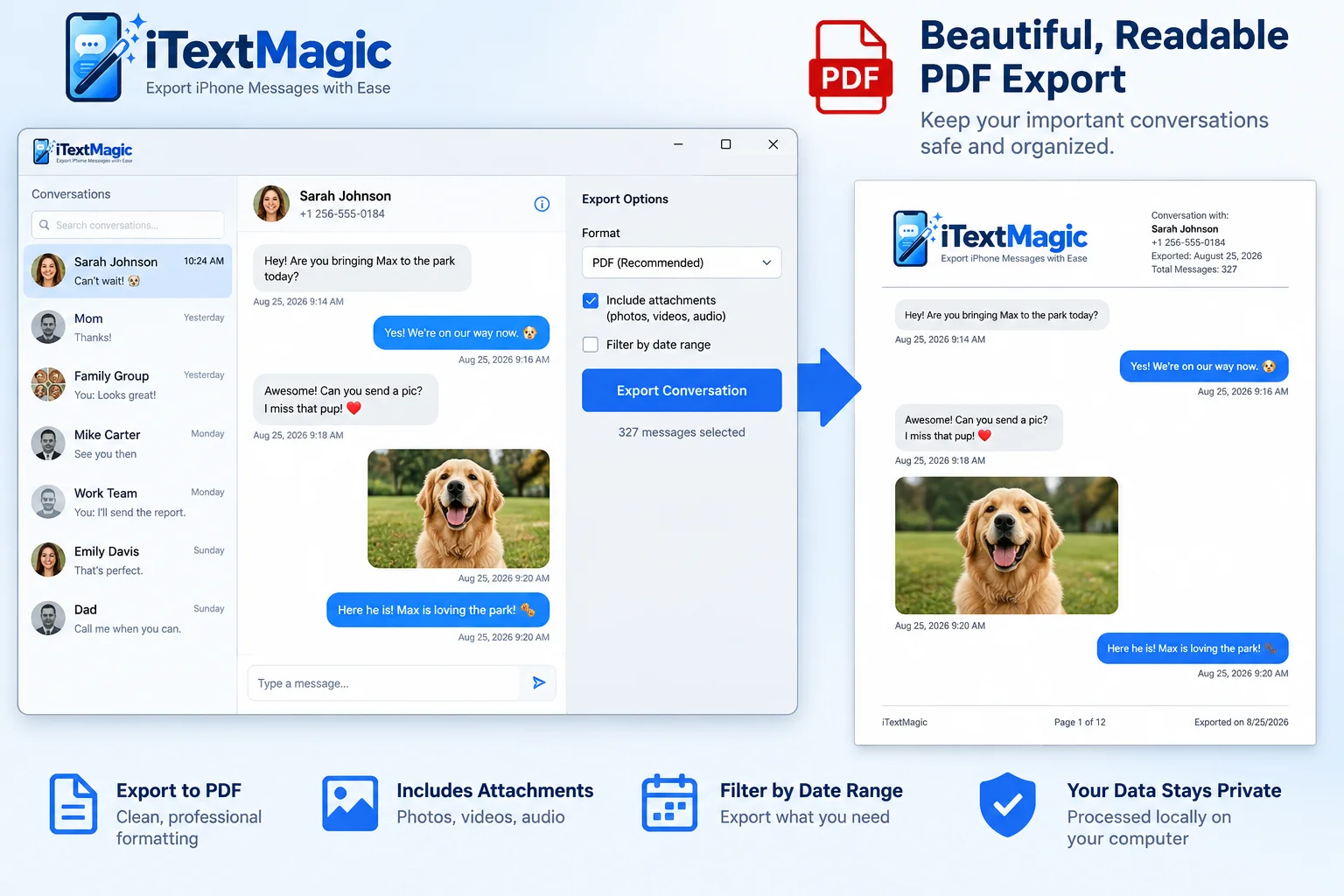
Export to PDF/HTML/CSV

Choose your format and save conversations with all details intact.

Powerful Export Options

Comprehensive Message Export

Preserve every detail of your conversations with advanced features designed for accuracy and completeness.

Detail Capture

Contacts & Timestamps

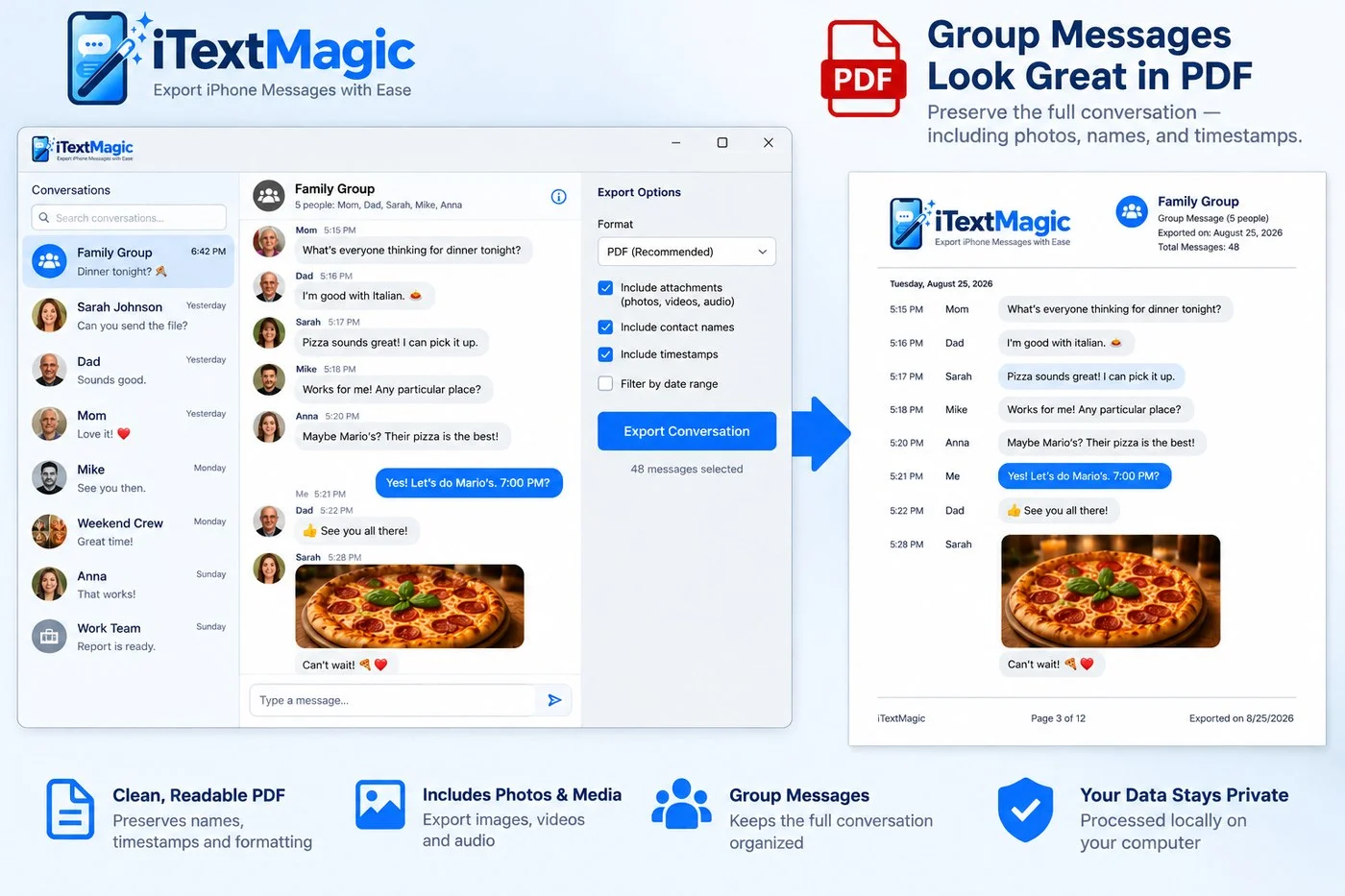
Export messages complete with sender/recipient names and precise timestamps for each entry.

Rich Content

Attachments & Media

Include all image, video, and audio attachments directly within your exported documents.

Precision Filtering

Date Range Filters

Specify exact date ranges to export only the relevant parts of long conversation histories.

Group Chats

Group Message Formatting

Maintain clear readability for group conversations, distinguishing each participant's contributions.

Common Questions

Frequently Asked Questions

How does iTextMagic read backups?

iTextMagic reads standard iTunes or Finder backups stored locally on your Windows 10 or 11 PC. It does not require iCloud access or any cloud login.

Is my data processed offline?

Yes, all message processing and export occurs entirely on your local machine. No data is ever uploaded to iTextMagic servers or any external service.

Does it support encrypted backups?

Yes, iTextMagic can access and export messages from encrypted iPhone backups, provided you know the backup password.

What Windows versions are supported?

iTextMagic is a native desktop application built specifically for Windows 10 and Windows 11 operating systems.